

Which racing simulation should you run on your PC? The answer depends on what you want from a session: quick entertainment, close racing or detailed practice. A ready-to-drive cockpit gives each type of game a different feel, so start with the kind of driving you enjoy.
Arcade, simcade and simulation
Arcade racing games focus on immediate fun. You can get behind the wheel, learn the controls quickly and share a session with friends or family. They are a natural introduction to a simulator.
Simcade titles sit between accessibility and driving depth. They give you more to manage at the wheel while remaining approachable. If you are new to sim racing, this can be a useful step towards more demanding software.
Dedicated racing simulations ask for patience. Braking points, tyre behaviour and vehicle balance matter more, and repeat laps help you understand where time is gained or lost. The reward comes from learning a car and improving your consistency.
Choose for your driving goals
Think about the cars and disciplines you want to drive. A GT enthusiast may value long races and traffic; a rally driver will look for stages and changing surfaces. Consider the available tracks, online racing, practice tools and community content before settling on a title.
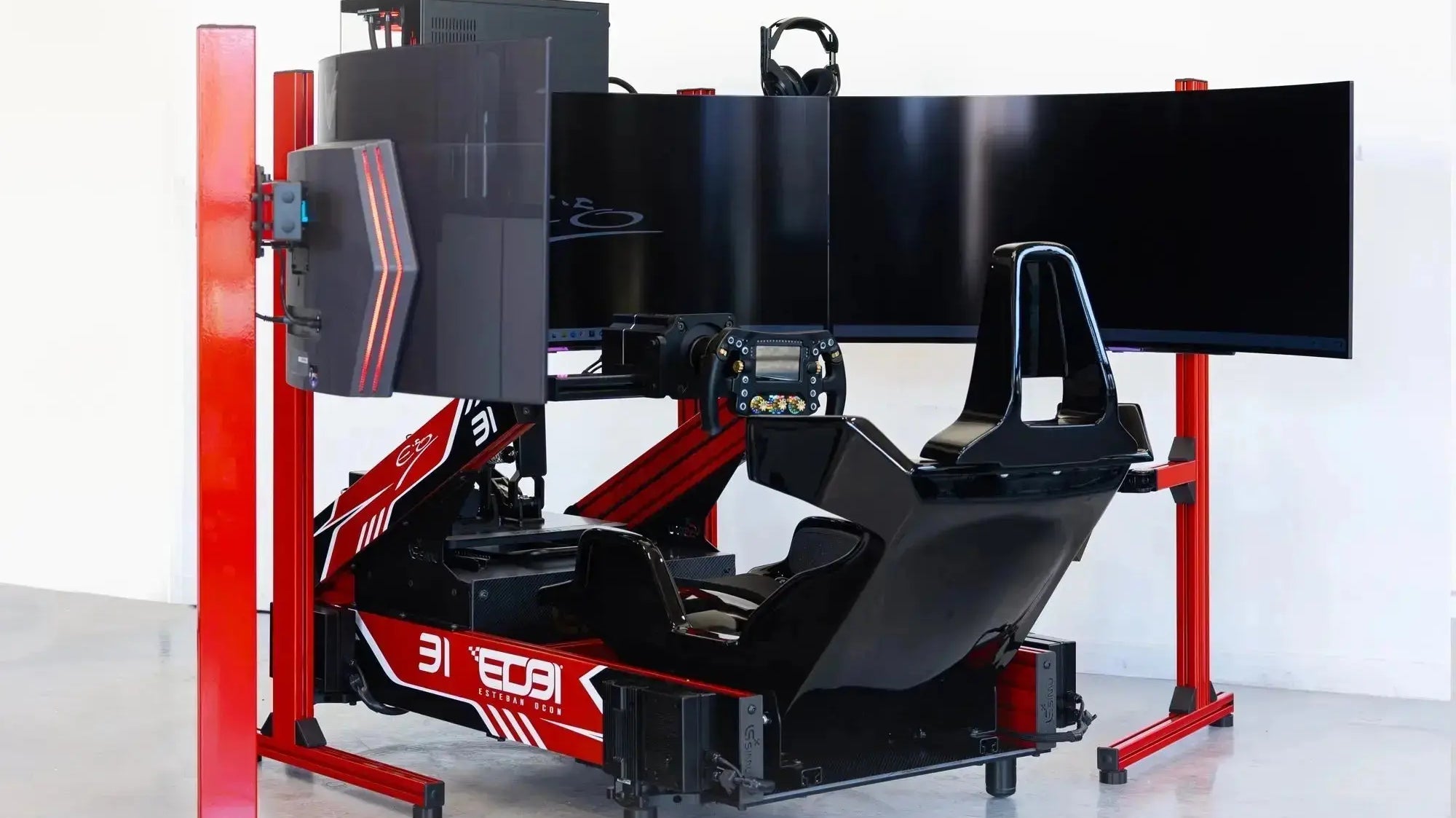
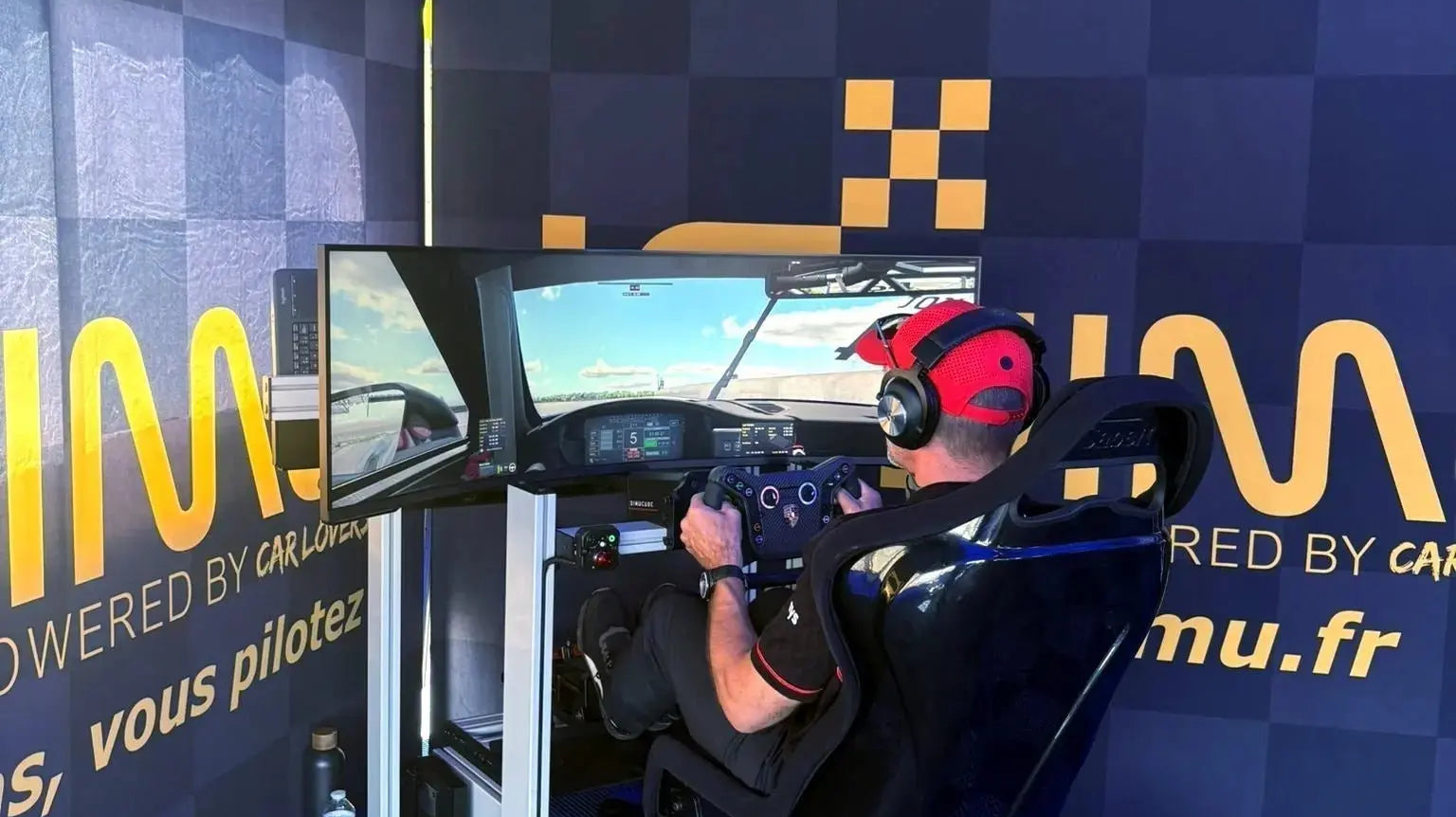
Your cockpit also shapes the experience. A stable chassis keeps the steering wheel and pedals in place as you brake and turn. A well-positioned display helps you read the road, while a carefully configured Direct Drive wheelbase communicates changes in load and grip. The game and the hardware should be set up together for the way you drive.
Assetto Corsa and community content
The original Assetto Corsa remains popular with sim racers who want to explore different cars and circuits. Its community has created a broad range of additional content. Quality varies between releases, so choose the cars and tracks that suit your purpose and check the source before installing them.
For a driver who enjoys exploring, this can mean switching from a familiar circuit to a new car or discipline without changing the cockpit. For focused practice, it means returning to the same combination and comparing your laps.
Build a setup you can keep using
Comfort and adjustability matter over a long session. Set the seat, pedals and wheel so you can repeat the same movements without reaching or twisting. If your interests change, a considered cockpit layout makes it easier to add equipment or change your display arrangement later.
A ready-to-drive simulator removes much of the initial setup work. LP SIMU prepares the hardware and software configuration in the workshop, then helps you choose the simulation and controls for your use. You can spend your time driving, learning the car and enjoying the session.
Explore LP SIMU ready-to-drive simulators or contact the team to discuss a configuration for your favourite discipline.